End-to-end
Customer Journey Analytics
Track everything that your users do. Acquire and retain more customers with advanced analytics.




Product Analytics
For Product, Marketing, Sales and Support teams


Sync Existing User Data
Sync existing user data from your databases and SaaS services — and convert it to actions — without developers.
- Gain immediate insights into the end-to-end customer journey with full historical data.
- Front-end trackers are unreliable. Access the ultimate source of truth.
Optimize Every Touchpoint in the Customer Experience
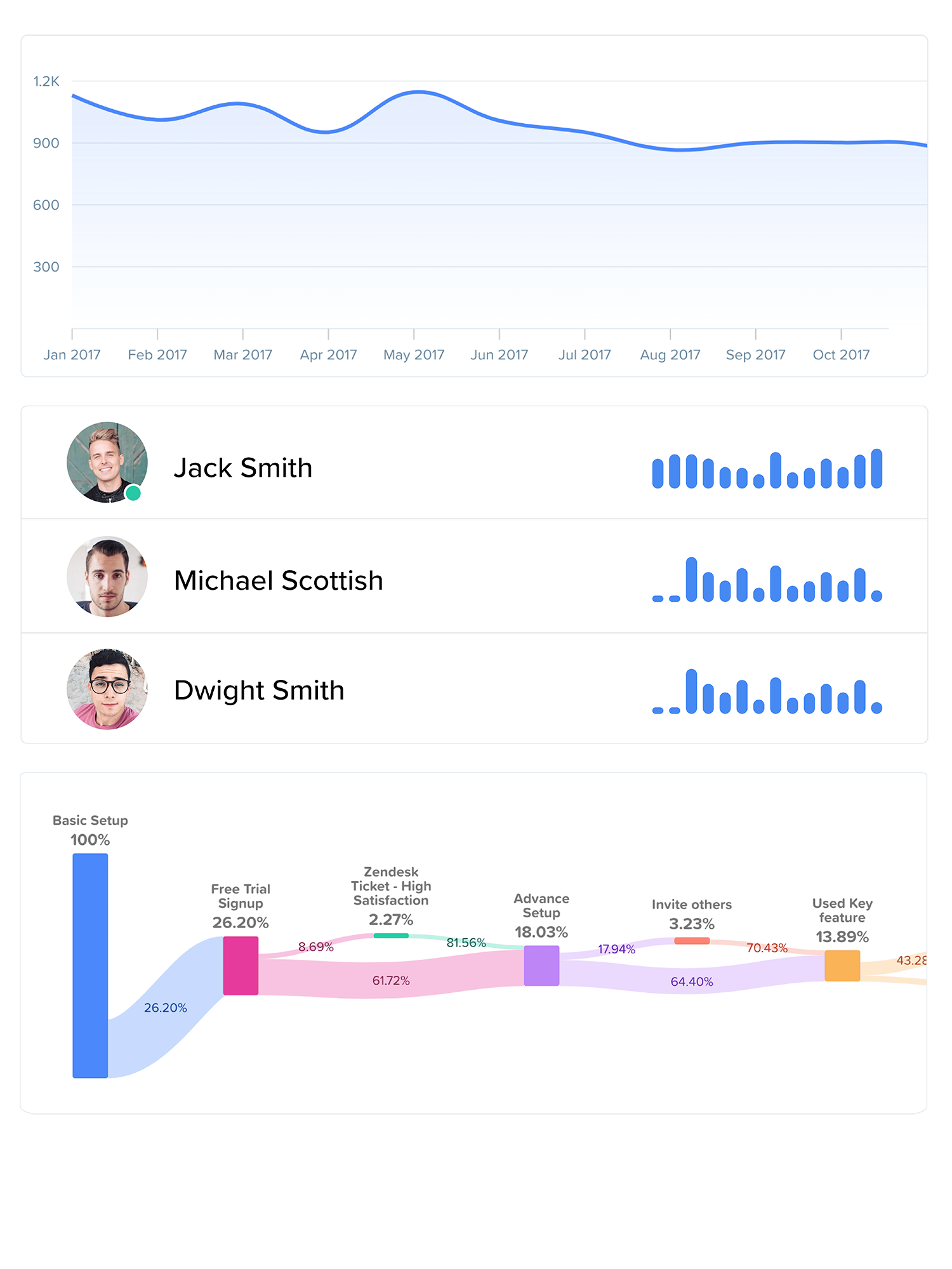
Analytics to answer any business question.
Full-funnel attribution, onboarding optimization, feature usage trends, subscription growth, cohort analysis and more. Know exactly what users are doing across touchpoints to increase acquisition, drive engagement and improve retention.
Explore Analytics“The biggest problem was that we didn't know what our customers were doing. Woopra made information immediately available for us to find answers to specific questions, map out the customer journey and acts as the baseline for our customer data.”
Scott Smith, VP Sales, CloudApp
See the People Behind the Numbers
Real-time individual-level analysis.
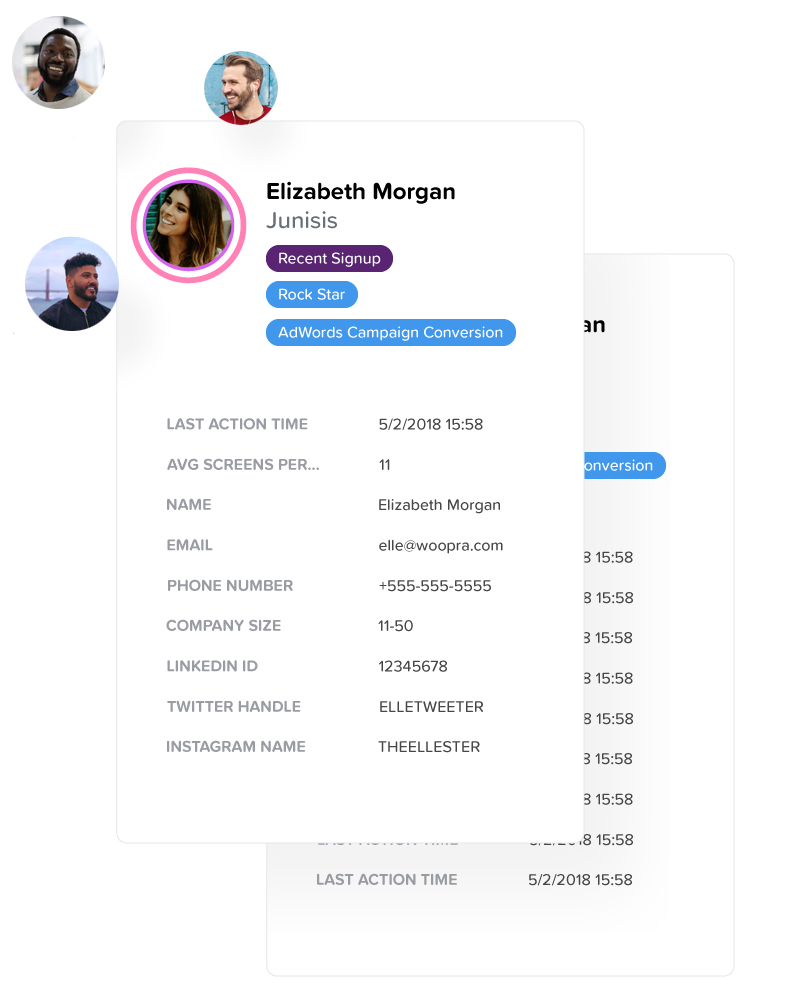
Examine every user and every action they've taken in real-time with People Profiles. See who is making payments, interacting with your website, opening emails and using key product features all within a single platform.
Explore People Reports & Profiles“We needed a solution that would integrate well, tie all of our data points together, show us customizable funnels and ultimately, show us real people (not just numbers). Woopra fit these needs perfectly.”
Dave Nevogt, Co-Founder, Hubstaff
Democratize Knowledge
Every employee should be able to ask any question of their data before making decisions.
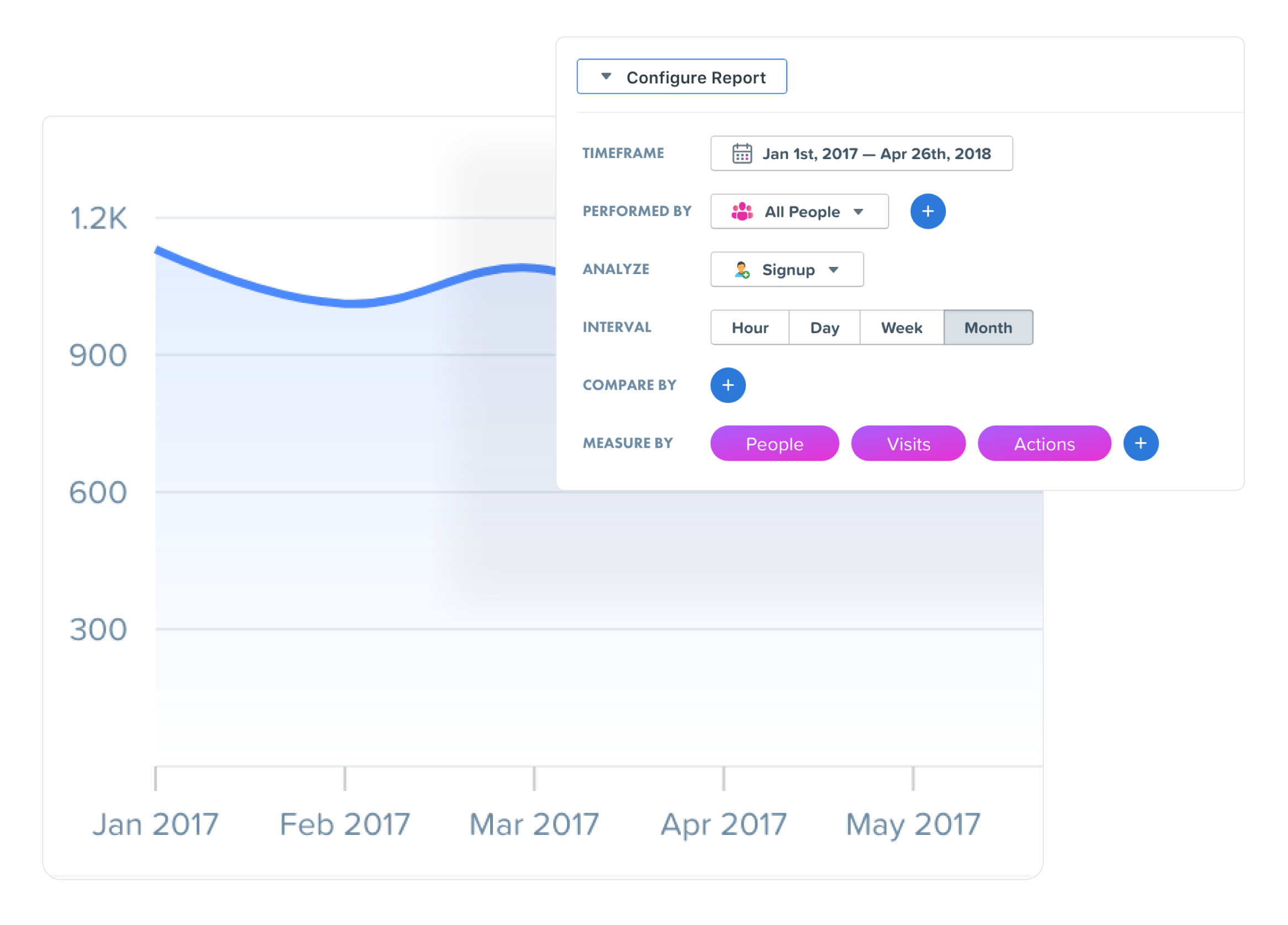
Woopra's easy to use visual interface allows anyone to quickly answer questions without writing a single line of code. Empower every employee with the ability to make data-driven decisions, fast.
Explore Analytics“Woopra enables other departments to be more autonomous than ever before. An engineering request that might have taken weeks to accomplish can now be done by our own marketing team in the same day.”
Ryan Stevens, Product Manager, Mayvenn
Take Real-time Action
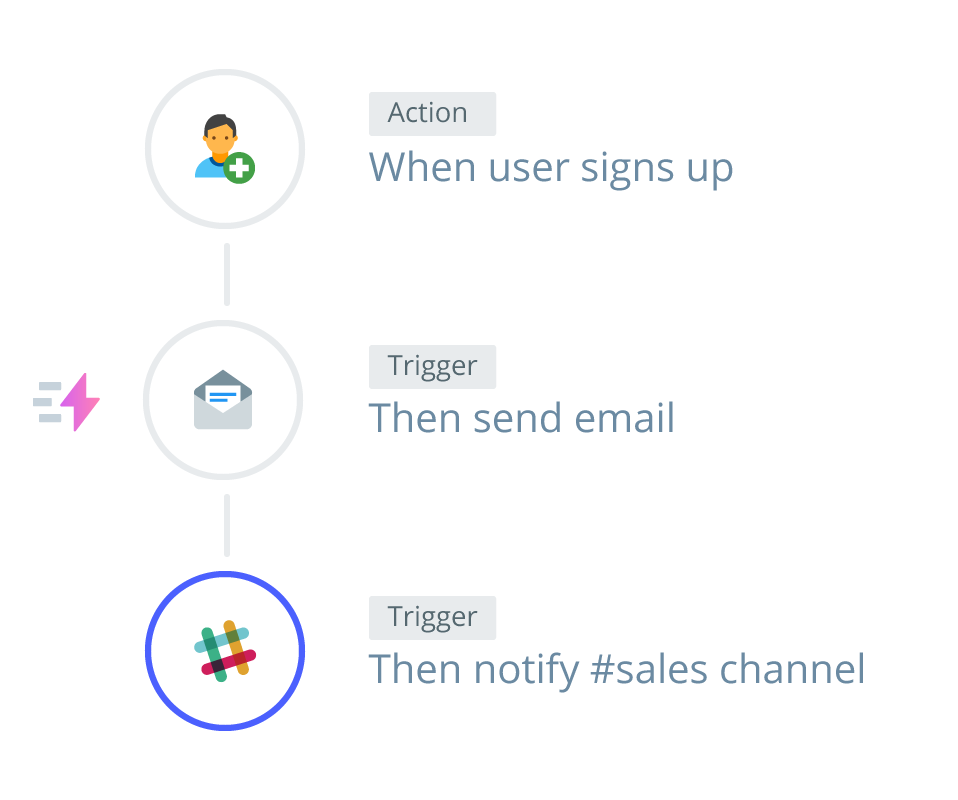
Trigger personalized interactions with built-in automation.
Automatically trigger emails, post Slack messages or update Salesforce fields based on user behavior and attributes. Woopra's Triggers help you engage in deep, meaningful customer interactions through the right channels at the right time.
Explore Automations“Woopra’s Journey Analytics platform offered a turnkey solution that enabled us to improve internal workflows and respond in real-time to clients’ unique needs.”
Andrew Karam, Co-Founder & VP Product, AppLovin
50+ One-Click Integrations
Seamlessly unify data across tools, teams and touchpoints.
With a suite of one-click integrations and the ability to track any custom actions, Woopra unites your customer data — helping teams identify obstacles and opportunities in the moments that matter most.
Browse Integrations“With Woopra, we’re able to pull data from one central source so teams can work off the same data set and automate report sharing for collaboration. The more information we have about engagement, the more we can communicate to clients about their target audience and advise them on campaign performance.”
Lik Fun Chan, Product Manager, SERMO